SuBOT User Guide
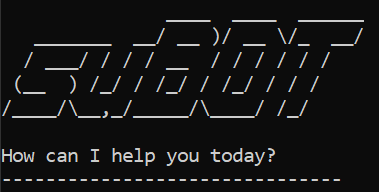
Your personal chatbot for managing tasks and events!
Introduction
Evolve your paper calendar for a smarter, lighter and more convenient experience.
With Todo, Deadline and Event, you can plan ahead and take note of your moment without any worries!
Example:
todo World domination
deadline Meet havocs KPI /by Saturday
event Fight with Batman /from Sunday 10 PM /to indefinite
list
Output:
1.[T][ ] World domination
2.[D][ ] Meet havocs KPI (by: Saturday)
3.[E][ ] Fight with Batman (from: Sunday 10 PM to: indefinite)
Features:
We support 3 types of Task:
Todo task:
Add a generic task with only description and no other constraints.
todo <description>
- Example:
todo World domination
Deadline task:
Task needs to be done before a specific time.
- Note that
<time>cannot be empty.deadline <description> /by <time> - Example:
deadline Meet havocs KPI /by Saturday
Event task:
Task with start and end time.
- Note that
<from>and<to>cannot be empty.event <description> /from <from> /to <to> - Example:
event Fight with Batman /from Sunday 10 PM /to indefinite
Managing tasks:
- Add a task: Use one of the above commands.
- List all tasks with index:
list - Mark/unmark a task as done:
mark/unmark <taskNumber>. Note thattaskNumberstarts from 1 - Delete a task:
delete <taskNumber>. Note thattaskNumberstarts from 1 - Find a task:
find <query>. Note thatis NOT case-sensitive. - Exit:
bye - List of commands:
help
Quality of life:
- Autosave tasks to file before exit, default path is
<currentDirectory>/tasks.subot - Autoload tasks from file from last session.
Requirements
- Java 17
How to run
- Install Java 17.
- Download
.jarfile from list of releases. - Go to the location of
.jarfile, open Command Prompt/Terminal and type:java -jar SuBot.jar Enterand enjoy!